
Live Brighter & Work Smarter
Blogs

The Complete Guide to Apple Device Repair Components: iPhone, iPad, MacBook & Apple Watch
Admin
·
·
3 min read
The Complete Guide to Apple Device Repair Components: iPhone, iPad, MacBook & Apple Watch
Admin
·
·
3 min read
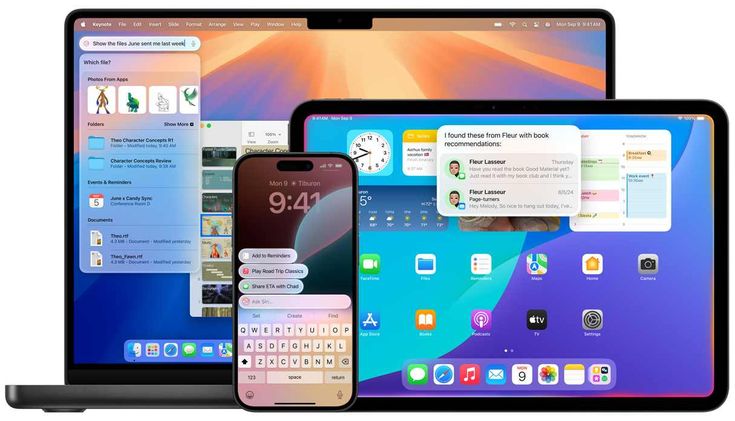
Cracked screen? Dead battery? Here's every Apple repair component in iPhone, iPad, MacBook & Apple Watch — and why part quality matters as much as the fix.
iPhone Repair Components Display assembly (screen + digitizer) — the most commonly replaced part, responsible for both the image and touch response. Battery — degrades with every charge cycle; a swollen or fast-draining battery is a safety issue, not just an inconvenience. Charging port & flex cable — handles power and data; corrosion or bent pins here cause "not charging" complaints. Rear and front camera modules — often affected by drops even when the glass looks fine. Speaker, earpiece & microphone — control call quality and media playback. Back glass — increasingly common on newer models with glass backs. Face ID / Touch ID module — a sensitive component that must be paired correctly to the logic board. Logic board (motherboard) — the most complex repair, involving micro-soldering for liquid damage or power issues. iPad Repair Components Screen/digitizer assembly — larger and more fragile than an iPhone's, prone to spider-cracking. Battery — iPads run bigger batteries, so replacement restores real all-day usability. Charging port (Lightning/USB-C) — a frequent failure point on daily-use tablets. Speakers and camera modules — for video calls and media use. Home button / Touch ID (older models) — tied to the logic board on many generations. Logic board — for boot loops, no-power issues, or water damage. MacBook Repair Components Display assembly — includes the glass, LCD/OLED panel, and backlight circuitry. Battery — MacBook batteries swell over time and can physically push against the trackpad. Keyboard/top case — often replaced as one unit due to how it's assembled. Trackpad — a common failure after liquid exposure. Charging port (MagSafe or USB-C) — bent pins or worn ports cause intermittent charging. Logic board — handles everything from graphics failures to no-power situations. Cooling fan — overheating and shutdowns usually trace back here. Hinge assembly — a mechanical wear point on daily-use laptops. Apple Watch Repair Components Screen/glass — thin and highly exposed to impact. Battery — smaller capacity means faster degradation, especially with always-on display use. Digital Crown — a mechanical part that wears or jams with dust and moisture. Charging module — magnetic charging contacts can fail from corrosion. Back sensor housing — houses the heart-rate sensor and is sealed for water resistance, so it needs careful reassembly. Speaker/microphone — affects calls and Siri responsiveness. Why the Part Matters as Much as the Technician
Two repairs can look identical from the outside and perform completely differently a month later, depending on the part used. A cheap aftermarket battery might fit, but poor calibration means inaccurate percentage readings and faster degradation. A low-grade display might work but have dull colors or unresponsive edges. That's why every repair at Fixzone uses high-grade replacement parts and is tested before your device leaves our hands — and backed by a warranty, so you're covered if anything about the repair itself isn't right.
Quick FAQ
Can any of these components be repaired instead of replaced? Rarely — most Apple components are sealed units. Micro-soldering on logic boards is the main exception.
Does replacing one part affect Face ID or Touch ID? It can, if not done carefully. Components like the Face ID module must be handled correctly to keep biometric features working.
Have a device with one of these issues? Book a pickup or visit our FixZone Al Sadd, Doha service center — we'll diagnose it for free and quote you before any work begins.